
01Automate Operations
Work that runs without the chasing.
We turn fragmented, manual workflows into connected systems that handle the repetitive work — with approvals, audit trails, and monitoring built in — so your people focus on the exceptions that need judgment.
- 7
- capabilities
- 4
- delivery stages
- 4
- industries served
How it works
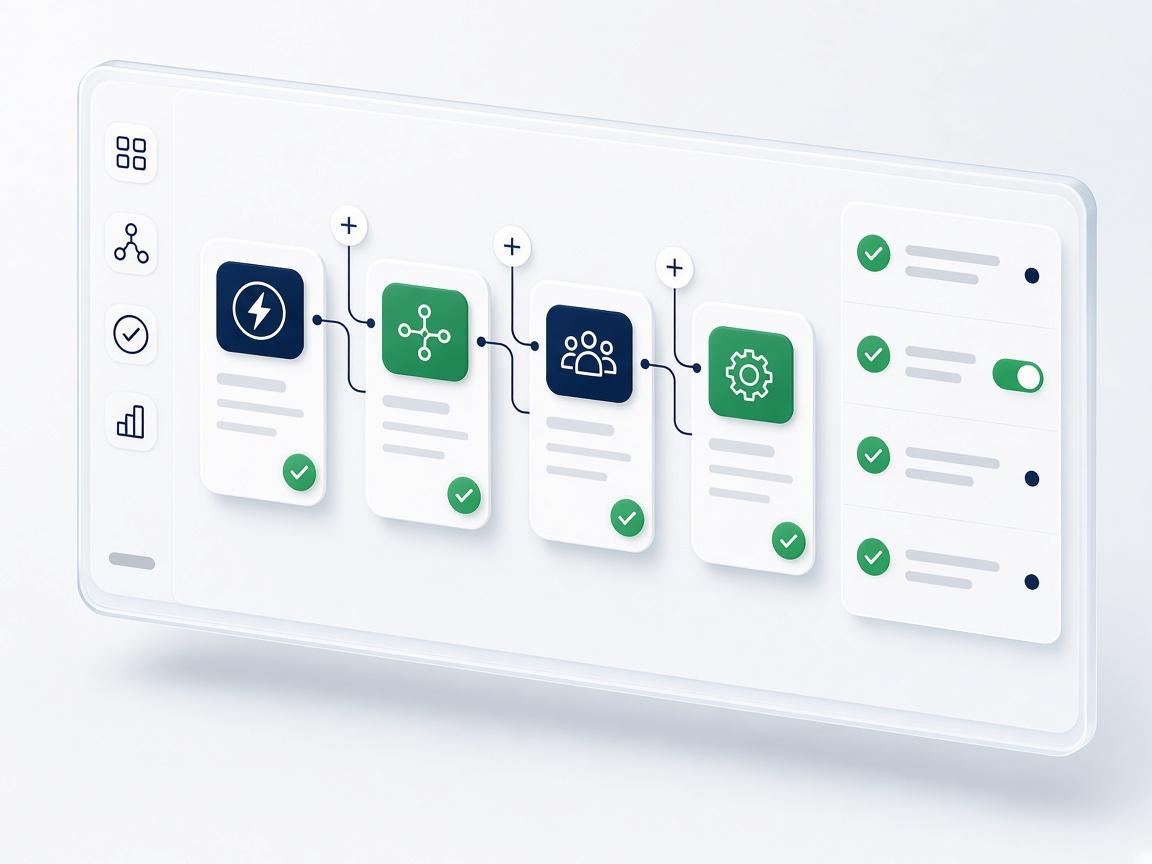
Automation you can trust in production
- 01
Connect
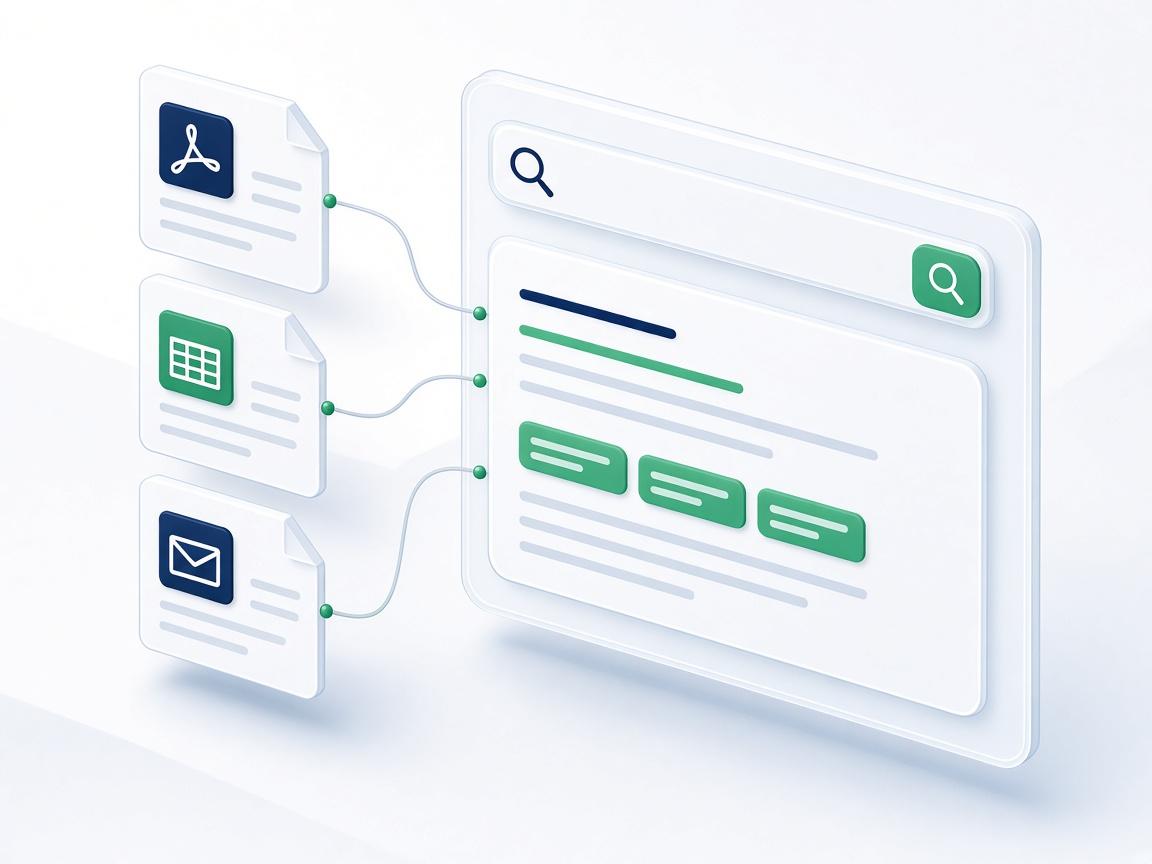
Bring the tools, inboxes, and data your process touches into one flow — through APIs, webhooks, and events instead of copy-paste.
- 02
Automate
Combine rules, AI, and agents so predictable work runs itself and unusual cases are routed to the right person with full context.
- 03
Control
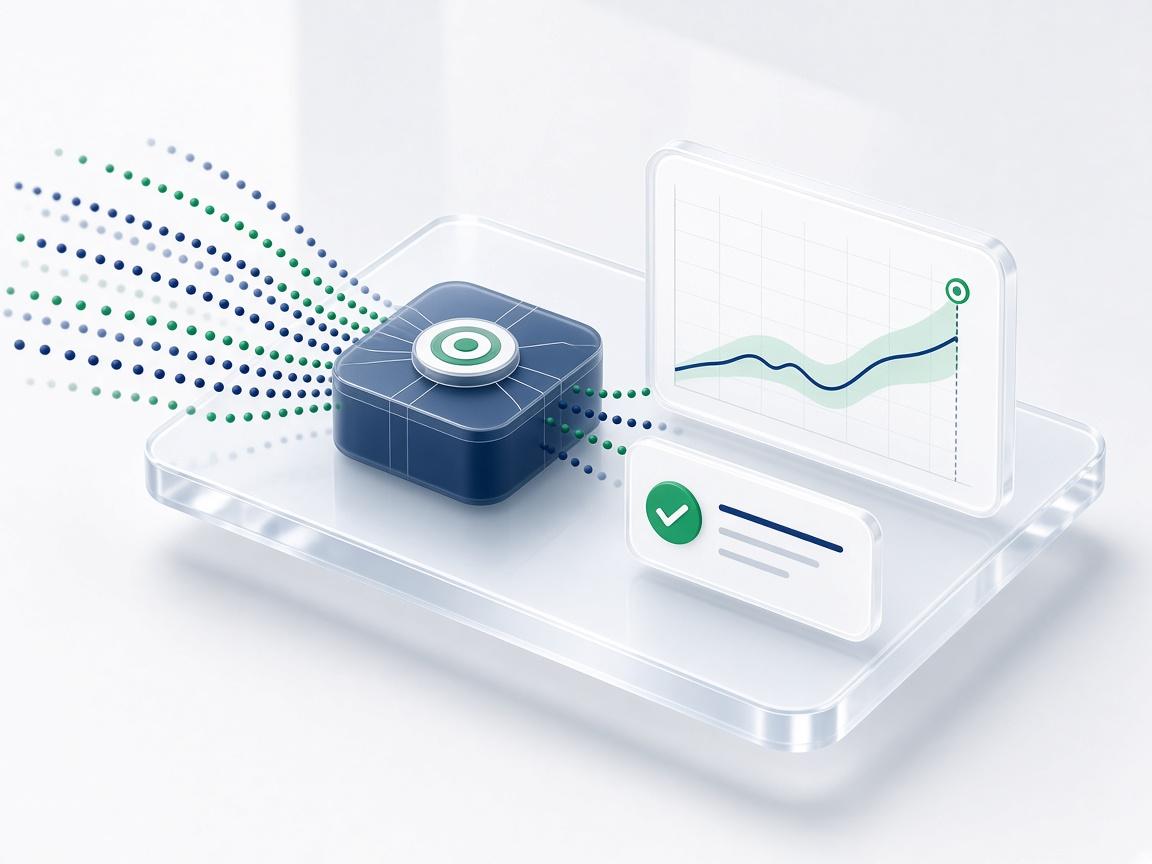
Permissions, approvals, retries, and logs on every step, so you can see what ran, why, and undo it when needed.
The challenge
Where manual operations slow you down
- 01
Repetitive manual tasks
Skilled people re-keying data and chasing status instead of doing the work they were hired for.
- 02
Information spread across tools
The answer lives in one system, the action in another, and the handoff happens over email.
- 03
Approvals and handoffs
Work waits in queues because nobody can see who is next — or what is blocking it.
- 04
Slow internal processes
Predictable steps take days because each one depends on someone noticing it is their turn.
What we build
Automate Operations, in practice
Seven ways we automate — chosen per process, combined when the workflow needs more than one.
Workflow automation
Trigger-based flows that move work between systems and people without manual handoffs.
- Triggers
- Routing
- SLAs
AI-powered automation
Models that read, classify, and extract from unstructured requests so they can enter a process.
- Classification
- Extraction
- Routing
Business process automation
End-to-end digitization of multi-step processes, with rules, SLAs, and exception queues.
- Rules
- Exceptions
- SLAs
API integrations
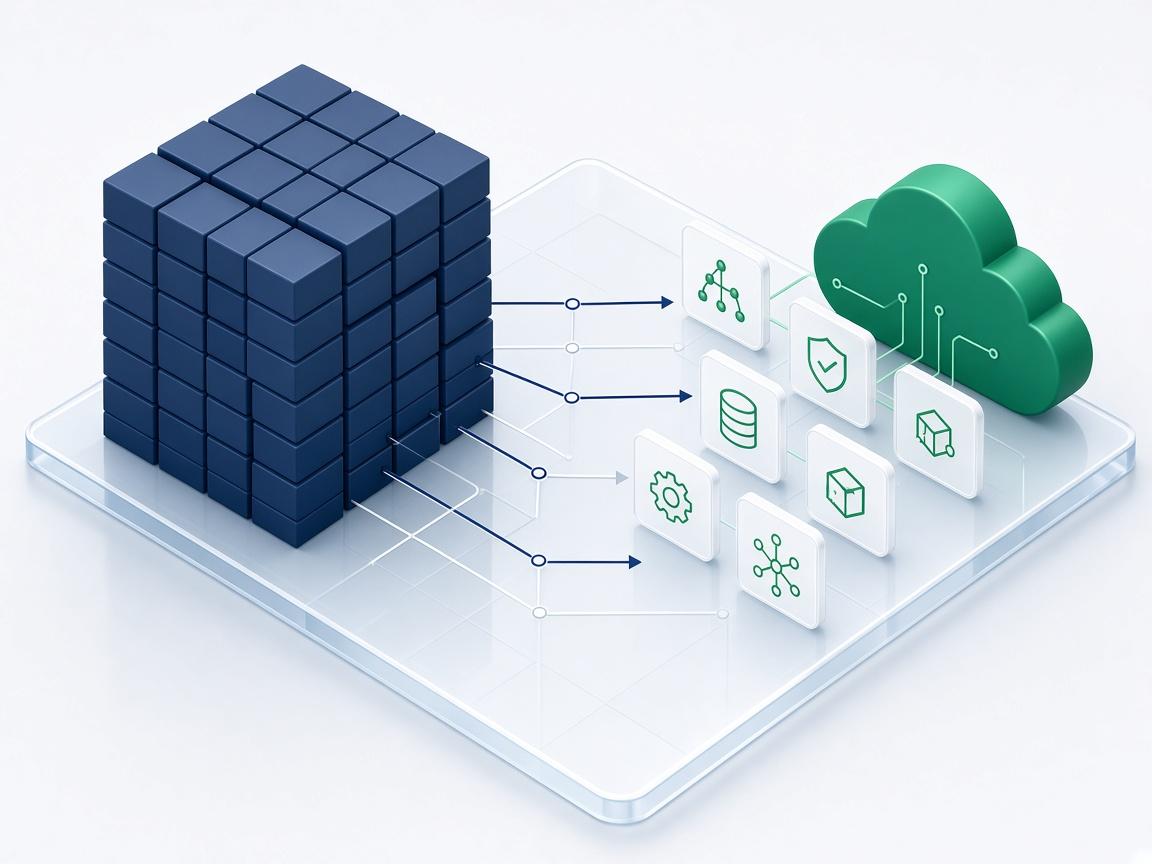
Reliable connectors to the systems you already run — CRMs, ERPs, ticketing, and internal tools.
- Connectors
- Events
- Sync
Automated notifications and actions
The right message or update sent to the right person or system, at the right moment.
- Alerts
- Escalation
- Digests
AI workflow orchestration
Coordination of models, agents, and services with state, retries, and tracing.
- State
- Retries
- Tracing
Agent-based workflows
Goal-driven agents that plan and complete multi-step tasks within scoped permissions.
- Planning
- Tools
- Approvals
Operate with confidence
Automation that fails safely
Reliable automation is mostly about what happens when something goes wrong. We design every flow to retry, escalate, and leave a clear trail rather than failing silently.
- Idempotent jobs, retries, and dead-letter handling
- Approvals for sensitive or irreversible steps
- Run history and alerts your team can read without engineering help
System flow
How the system works
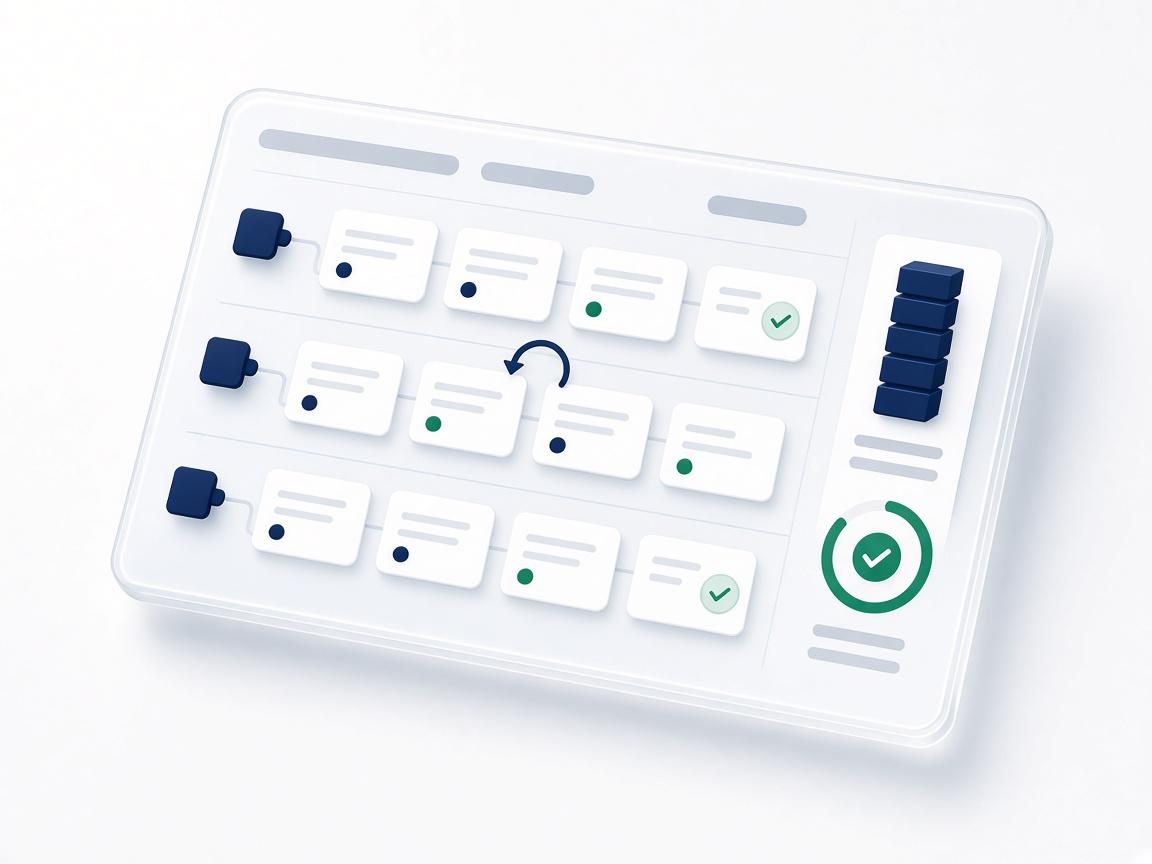
Customer Request → AI/Rules → Business Logic → API → Action → Monitoring
- Understand
- Connect
- Automate
- Validate
- Monitor
The outcome
Less manual work. Faster workflows. More consistent operations.
What changes for the teams that rely on it.
Manual data entry and copy-paste
Systems that update each other
Work waiting on someone to notice
Tasks routed and escalated automatically
Process knowledge in people's heads
Documented, monitored, auditable flows
Under the hood
AI / ML capabilities
We choose rules, classical ML, deep learning, LLMs, RAG, or agents based on the problem, data, and reliability needs—not hype. Software, data, and ML engineers on one team.
- 01
LLM and classifier layers for unstructured requests and tickets
- 02
Agent workflows with tools, APIs, and human-in-the-loop gates
- 03
Hybrid rules + ML paths for auditable decisions
- 04
Document and form understanding to trigger processes
Production & reliability
- 01
Data → automation logic → APIs/integrations → deployment → monitoring
- 02
Idempotent jobs, retries, and dead-letter handling
- 03
Audit trails, RBAC, and override paths on critical steps
- 04
Latency, cost, and regression checks on automation paths
How we deliver
A clear path from first call to production
- 01
Map the process
Trace the workflow as it really runs — inputs, decisions, exceptions, and owners.
- 02
Design the flow
Decide what is automated, what needs approval, and where a person stays in the loop.
- 03
Build & validate
Implement and test against real historical cases before it touches live work.
- 04
Run & monitor
Launch with dashboards and alerts, then improve from what the data shows.
Technology
Tools and platforms we work with
We choose the simplest technology that fits the problem — and work in your stack where you have one.
Python
FastAPI
Node.js
PostgreSQL
Redis
OpenAI
Anthropic
LangChain
Docker
GitHub Actions
Engagement outcome
What you receive
- Automated workflows integrated with your systems
- Permission model, approval rules, and escalation paths
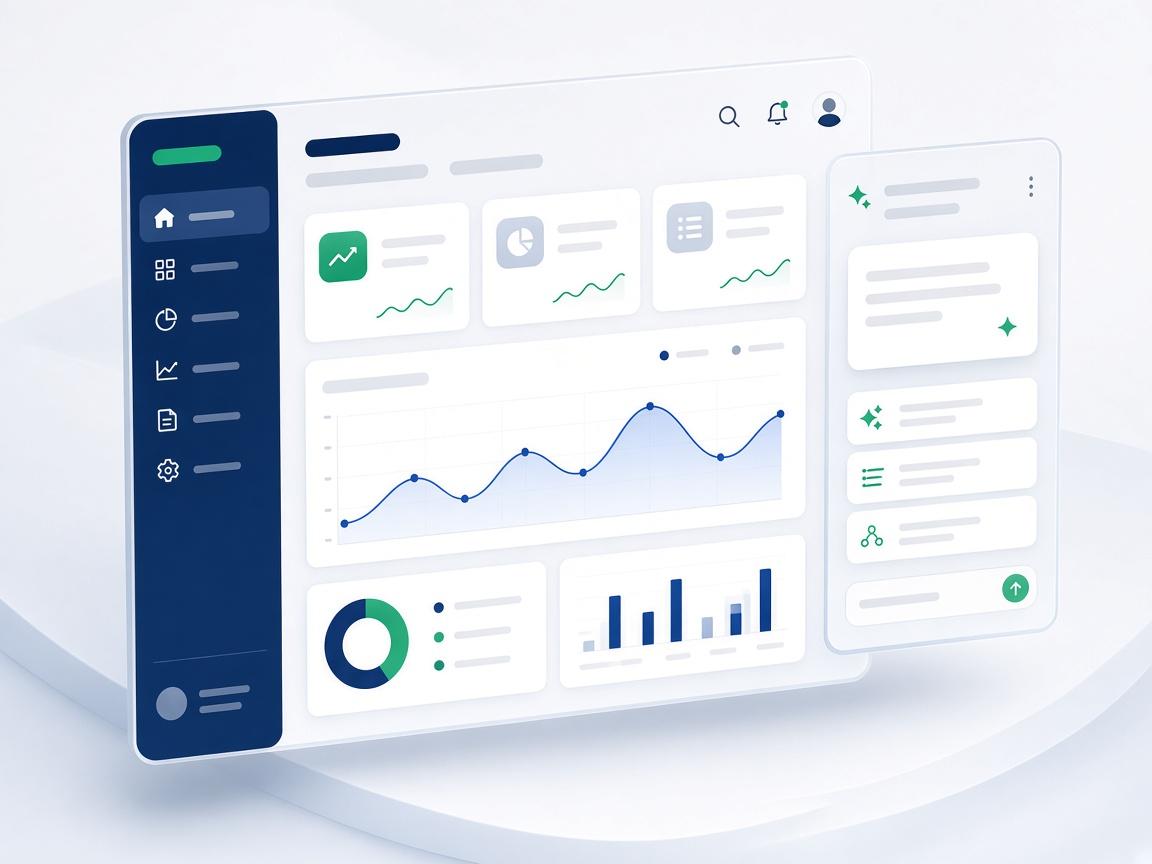
- Monitoring dashboards and alerting
- Test cases drawn from your real processes
- Runbook for operating and extending the automation
Where it applies
Industries and capabilities



- AI Agents & AutomationAI agents, workflow orchestration, and business process automation for email, voice, support, sales, and research.
- Software EngineeringCustom web, mobile, API, and enterprise software engineering — reliable foundations for modern businesses.
- Products & InfrastructureSaaS product development, cloud architecture, DevOps, monitoring, and security engineering for production systems.
FAQ
Questions we hear most
Straight answers about how we work on this kind of project.
Which processes are best to automate first?
High-volume, rule-heavy work with clear inputs and outputs — intake, routing, data entry, reconciliations, and status updates. We help you rank candidates by effort and impact before building anything.
Do we need to replace our existing tools?
No. We integrate with what you already use through APIs and connectors. Replacing a tool is only recommended when it blocks the process.
How do you keep a person in control?
Automation runs with scoped permissions, approvals on sensitive steps, and a full log. You decide how much autonomy each step has and can widen it over time.
What if the process changes later?
Flows are built from modular, documented steps, so changing a rule or adding a branch is a small change — not a rebuild.
Keep exploring
More solutions
Ready to start with Automate Operations?
Tell us about the problem. We'll come back with an honest view of the right approach, and what a first increment looks like.